Your Emails Aren’t Broken – The Inbox Rules Changed
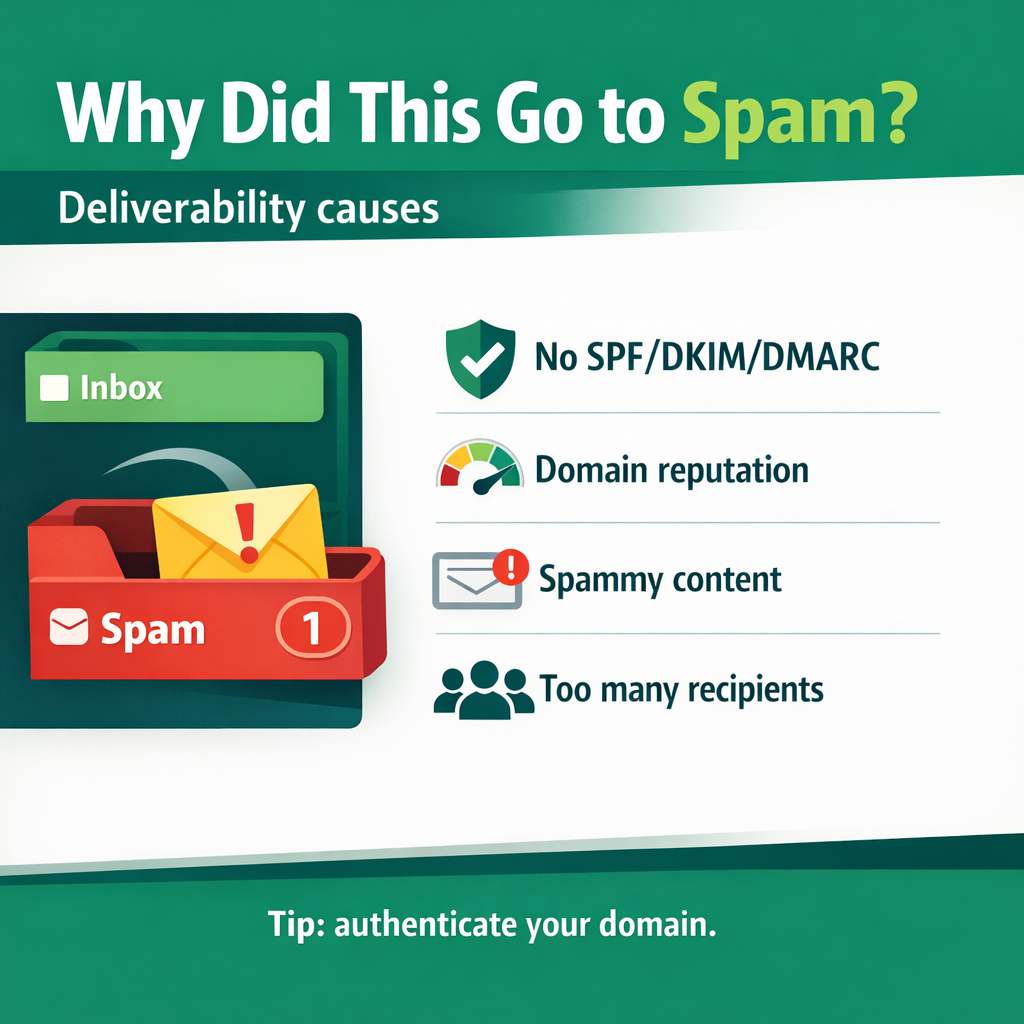
If your emails are landing in spam… getting buried… or mysteriously underperforming…
- It doesn’t automatically mean your copy is bad.
- It doesn’t mean your list is junk.
- It doesn’t mean email is dead.
It means the rules changed.
Over the past year, Gmail, Yahoo, Microsoft, and Apple tightened inbox requirements. Authentication standards got stricter. Complaint thresholds got lower. Engagement signals matter more than ever.
And in 2026? Expect this trend to continue.
Here’s what’s happening — and how you stay ahead.
The New Non-Negotiables (These Are Table Stakes Now)
If these aren’t set up properly, nothing else matters. (I promise this is not as hard or as intimidating as it first seems. If you’re not familiar with the following, simply take it one step at a time – you can do this.)
-
Authenticate Everything (SPF, DKIM, DMARC)
Gmail’s sender guidelines and Yahoo’s best practices both emphasize authentication — and DMARC is now effectively required for bulk senders.
(Source: Google sender guidelines — https://support.google.com/a/answer/81126?hl=en&utm_source=chatgpt.com)
Yahoo has made similar requirements clear.
(Source: https://senders.yahooinc.com/best-practices/?utm_source=chatgpt.com)
Microsoft (Outlook.com) has announced that high-volume senders (5,000+ emails/day) must have SPF, DKIM, and DMARC in place or risk junking/rejection.
(Source: https://techcommunity.microsoft.com/blog/microsoftdefenderforoffice365blog/strengthening-email-ecosystem-outlook%E2%80%99s-new-requirements-for-high%E2%80%90volume-senders/4399730?utm_source=chatgpt.com)
First, Confirm SPF Is Valid (And Not Duplicated)
SPF (Sender Policy Framework) is a record in your domain’s DNS that says: “These servers are allowed to send email on behalf of my domain.”
If you use an ESP like Mailchimp, ConvertKit, ActiveCampaign, etc., they give you an SPF entry to add to your DNS.
Why It Matters: Without SPF, mailbox providers can’t verify that your sending platform is authorized. That’s a red flag.
Common Mistakes
- Having multiple SPF records (this breaks SPF)
- Exceeding 10 DNS lookups
- Forgetting to update SPF when switching ESPs
What To Do
- Log into your domain provider (GoDaddy, Namecheap, Cloudflare, etc.)
- Look at your TXT records.
- Confirm there is only one SPF record (it starts with v=spf1)
- Use a free SPF checker tool online to confirm it passes.
If you’re unsure, your ESP’s support can verify this for you in minutes.
Second, Turn On DKIM Signing Inside Your ESP
DKIM (DomainKeys Identified Mail) adds a digital signature to every email you send.
It tells inbox providers: “This message hasn’t been tampered with, and it truly came from this domain.”
Why It Matters: Even if SPF passes, DKIM gives an additional layer of trust. Gmail and Yahoo strongly emphasize it in their sender requirements.
(Source: https://support.google.com/a/answer/81126?hl=en&utm_source=chatgpt.com)
What To Do
- Go into your ESP settings.
- Look for “Domain Authentication” or “Authenticate Domain.”
- They’ll provide a DKIM record (usually a CNAME or TXT record).
- Add it to your DNS.
- Wait for verification inside your ESP dashboard.
Most platforms walk you through this step-by-step. It usually takes 10–30 minutes.
Third, Publish a DMARC Record (Start With p=none)
DMARC builds on SPF and DKIM.
It tells inbox providers: “If SPF or DKIM fails, here’s what I want you to do.”
It also sends you reports about what’s happening with your domain.
Google and Yahoo now effectively require DMARC for bulk senders.
(Source: https://support.google.com/a/answer/81126?hl=en&utm_source=chatgpt.com)
(Source: https://senders.yahooinc.com/best-practices/?utm_source=chatgpt.com)
P=none means “Monitor only. Don’t block anything yet.”
This is the safest way to start.
What To Do
- Add a TXT record at _dmarc.yourdomain.com
- Start with something simple like:
v=DMARC1; p=none; rua=mailto:you@yourdomain.com - Publish it in DNS.
- Monitor reports (or use a free DMARC monitoring tool).
Later, you can tighten to p=quarantine or p=reject once everything is aligned.
Fourth, Ensure Domain Alignment (This Is Where Many People Break Things)
This one is subtle — and extremely important.
If your “From” address says: you@yourdomain.com
Then:
- SPF or DKIM must also authenticate yourdomain.com

- Not your ESP’s domain
- Not a random sending subdomain that doesn’t match
Inbox providers compare:
- The visible “From” domain
- The domain authenticated via SPF/DKIM
- The domain listed in DMARC
If they don’t match, you fail alignment.
And failing alignment can quietly push you into spam.
What To Do
- Send from a custom domain you own (not @gmail.com or @yahoo.com).
- Authenticate that exact domain in your ESP.
- Avoid using mismatched domains for tracking links.
If you’re unsure whether you’re aligned, send a test email to a Gmail account and view “Show Original.” It will say:
- SPF: PASS
- DKIM: PASS
- DMARC: PASS
That’s what you want to see.
Why This Matters More Than Ever
Gmail, Yahoo, and Microsoft have tightened requirements around authentication and spam thresholds over the past year.
(Google sender requirements: https://support.google.com/a/answer/81126?hl=en&utm_source=chatgpt.com)
(Yahoo best practices: https://senders.yahooinc.com/best-practices/?utm_source=chatgpt.com)
(Microsoft requirements for high-volume senders: https://techcommunity.microsoft.com/blog/microsoftdefenderforoffice365blog/strengthening-email-ecosystem-outlook%E2%80%99s-new-requirements-for-high%E2%80%90volume-senders/4399730?utm_source=chatgpt.com)
This is no longer “advanced technical stuff.”
It’s baseline credibility.
The Big Takeaway
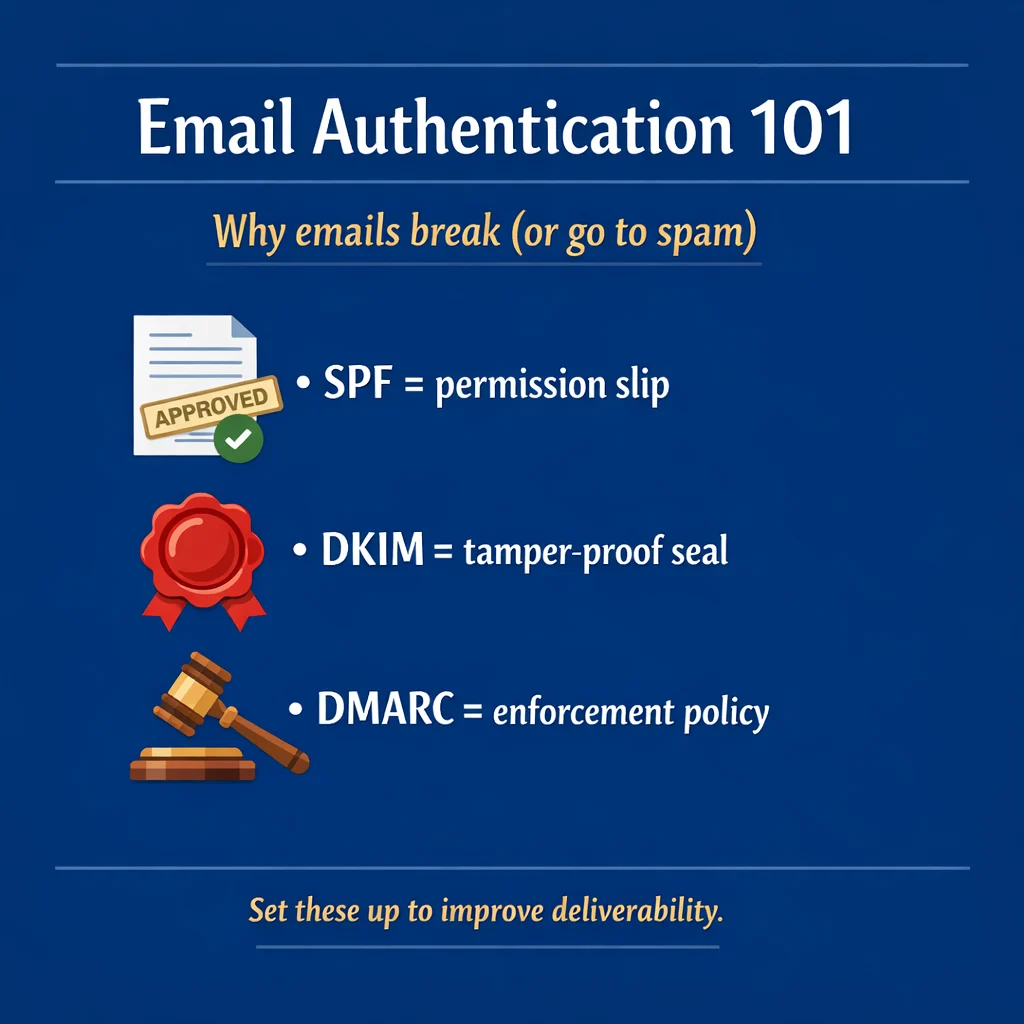
Think of SPF, DKIM, and DMARC like:
- SPF = permission slip
- DKIM = tamper-proof seal
- DMARC = enforcement policy
Together, they prove you’re legitimate.
If even one of these is broken, inbox providers get cautious.
Fix these four foundations — and you dramatically increase the odds your emails reach the inbox instead of disappearing into the void.
Even solid campaigns fail without this.
-
One-Click Unsubscribe Is Required
This isn’t optional anymore.
Yahoo requires a functioning one-click unsubscribe (List-Unsubscribe header + one-click support) and says unsubscribes must be honored within two days.
(Source: https://senders.yahooinc.com/best-practices/?utm_source=chatgpt.com)
What to do:
- Implement one-click unsubscribe (RFC 8058 compliant)
- Make your unsubscribe link obvious in the body
- Process unsubscribes fast (same day is ideal)
Making it easy to leave actually protects deliverability.
-
Complaint Rates Must Stay Low

Google and Yahoo both point to keeping user-reported spam rates below 0.3%.
(Source: https://support.google.com/a/answer/81126?hl=en&utm_source=chatgpt.com)
(Source: https://senders.yahooinc.com/best-practices/?utm_source=chatgpt.com)
Here’s the practical takeaway:
- Treat 0.1% as your early warning sign
- 0.3% is a serious problem
If Complaints Spike:
Spam complaint spikes are serious. Mailbox providers track behavior patterns, and if they see rising “This is spam” clicks combined with continued mass sending, they assume something’s wrong — and filtering gets tighter fast.
Here’s how to respond.
- Stop Blasting
Don’t keep sending to your entire list hoping it evens out.
Pause broad campaigns for a few days. Avoid promotional pushes. Give your domain a chance to cool off and stabilize. Continuing to send at full volume can worsen the damage.
- Identify Which Segment Triggered It
Complaint spikes rarely come from engaged readers. They usually come from:
- Recently acquired subscribers
- A new traffic source
- Cold segments you reactivated
- A sudden frequency increase
Check which segment was mailed and compare complaint rates. If you sent to your whole list, break it down by engagement (0–30 days, 31–90, 91–180, 180+ inactive). The coldest group is often the culprit.
- Reduce Frequency
Over-emailing is a common trigger. When people feel overwhelmed, they often hit “spam” instead of unsubscribe.
If you recently increased cadence, added extra promos, or started resending to non-openers, scale it back. For the next few campaigns, mail only your most engaged subscribers and stabilize your schedule.
- Suppress Cold Subscribers
Subscribers inactive for 180+ days drag down your overall engagement rates and increase complaint risk.
Create a segment of long-term inactive contacts and:
- Run a short re-permission campaign (“Still want these emails?”), or
- Suppress them from regular sends.
A smaller engaged list performs better — and protects your domain reputation.
The Big Picture
When complaints rise, the instinct is to send more to recover revenue. That usually makes things worse.
Deliverability is reputation-based. Reputation improves when:
- Complaints drop
- Engagement rises
- Sending patterns stabilize
Slow down. Diagnose. Segment. Protect the domain.
That discipline keeps you in the inbox long-term.
Mailbox providers are watching behavior, not just content.
Apple Changed the Game, Too
Apple’s Mail Privacy Protection obscures open tracking and preloads content.
(Source: https://support.apple.com/guide/mail/use-mail-privacy-protection-mlhl03be2866/mac?utm_source=chatgpt.com)
Translation: Open rates are no longer a reliable engagement metric.
Inbox placement now leans more heavily on:
- Clicks
- Replies
- Forwards
- Time on site
- Low negative signals (complaints, deletes)
It’s a relevance-first world now.
The Big Shift: Engagement Is the New Deliverability
In 2026, inbox placement isn’t just about technical compliance. Instead, it’s about whether people want your emails.
Here’s what helps immediately:
- Segment by Engagement
Break your list into:
- 0–30 day active
- 31–90
- 91–180
- 180+ inactive
Mail your most engaged subscribers more often.
Reduce frequency for colder segments.
Run re-permission campaigns. Suppress non-responders.
Sending to disengaged subscribers drags down your entire domain reputation.
- Stabilize Frequency
Sudden volume spikes look suspicious.
If you increase sending:
- Ramp gradually
- Start with your most engaged segment
- Keep cadence consistent
- Improve Permission Quality
High complaint rates usually trace back to acquisition.
Best practices:
- Use double opt-in (especially for colder traffic)
- Avoid purchased or rented lists
- Set expectations in your welcome email (what you send + how often)
Clear expectations reduce complaints.
- Monitor What Actually Matters
For Gmail, use Postmaster Tools to monitor:
- Spam rate
- Domain reputation
- Delivery errors
(Google references Postmaster in their sender guidance — https://support.google.com/a/answer/81126?hl=en&utm_source=chatgpt.com)
Check weekly. Treat reputation dips seriously.
Your 7-Day Reset Plan
If you want to improve deliverability quickly:
- Verify SPF, DKIM, DMARC are passing
- Confirm one-click unsubscribe works
- Suppress 180+ day inactive subscribers
- Send only to engaged segments for your next 2–4 campaigns
- Stabilize frequency
- Monitor complaint rates
- Fix acquisition sources that produce disengaged leads
Small improvements here can dramatically improve inbox placement.
Good News!
If you made it this far, you’ve already done the hardest part — you now understand what’s actually happening behind the scenes.
And I’ll say it again, because it’s true: This isn’t as hard or as intimidating as it first seems.
Deliverability isn’t some mysterious dark art reserved for technical wizards. It’s a checklist. A few foundational settings (SPF, DKIM, DMARC), a couple of smart habits (easy unsubscribe, steady sending, clean segments), and a willingness to listen when the inbox gives you feedback.
Take it one step at a time.
Start with authentication. Then tighten your list. Then send to your engaged subscribers and rebuild momentum.
You don’t need to fix everything in one afternoon. You just need to keep moving in the right direction — because once your emails are landing where they belong, everything else gets easier: opens, clicks, replies, sales… all of it.
And the best part? Most marketers won’t do this. Which means if you do, you win.
How to Simplify All This
There’s a great way to simplify all this, by letting a third party host your emails with a turnkey system that can be up and running in 15 minutes, and you can use it to build web-pages and emails lists for any type of business. Click here to learn more. After you opt-in, ask their AI bot any questions about the system.
Incidentally, if you decided to promote the turnkey system, you will earn 80% commissions on the purchases of anyone who buys the same products that you own.