
Email Deliverability for Beginners: How to Stop Landing in Spam (Gmail and Yahoo Tips for 2026)

Ever send a great promo email, only to realize it never had a chance? It didn’t matter how good your subject line was, because it landed in spam.
Early on, I made a painful mistake: I thought I didn’t need to build an email list. I leaned on platforms and “quick traffic” instead. The result was brutal, lost commissions, wasted time, and no direct line to people who actually wanted my recommendations. When I finally started emailing consistently, I hit the next wall: deliverability.
This guide breaks down beginner-friendly email deliverability basics, plus the Gmail and Yahoo rules that still matter in 2026, so your emails reach the inbox more often.
Key takeaways (read this first)
- Authenticate your domain (SPF, DKIM, DMARC) before you scale, it’s no longer optional for long.
- If you send 5,000+ emails/day to personal Gmail or Yahoo inboxes, you’re treated as a bulk sender, and enforcement is strict.
- Keep spam complaints under 0.3% (aim closer to 0.1%), or inbox placement drops fast.
- Add one-click unsubscribe and honor it within 2 days, or expect spam placement or rejections.
- Focus on engaged subscribers, because inbox providers watch clicks, replies, and spam reports.
Email deliverability basics (the parts that surprise beginners)
Email deliverability is the difference between “sent” and “seen.” Your email service provider can say an email was sent successfully, yet Gmail or Yahoo can still route it to spam, promotions, or block it.
Think of inbox providers like a club bouncer. Your brand is the name on the guest list. Your behavior is how you act in line. If too many people complain, you stop getting in.
Here’s what mailbox providers watch most:
- Identity checks: Do your emails prove they’re really from your domain?
- Reputation signals: Do people open, click, reply, and keep your email, or delete and report spam?
- List quality: Are you mailing real subscribers who opted in, or a scraped list that never asked?
- Consistency: Do you send a steady volume, or blast thousands out of nowhere?
Affiliate marketers feel this faster than most. Why? Because it’s easy to fall into “promo mode.” If every email screams “buy,” people hit spam. As a result, future messages (even helpful ones) start going missing.
A simple rule: if your list wouldn’t miss you for a week, inbox providers won’t trust you for long.
If you want a deeper overview of what affects placement, Mailchimp’s explainer on why email deliverability matters is a solid primer.
Gmail and Yahoo requirements in 2026 (what you must get right)
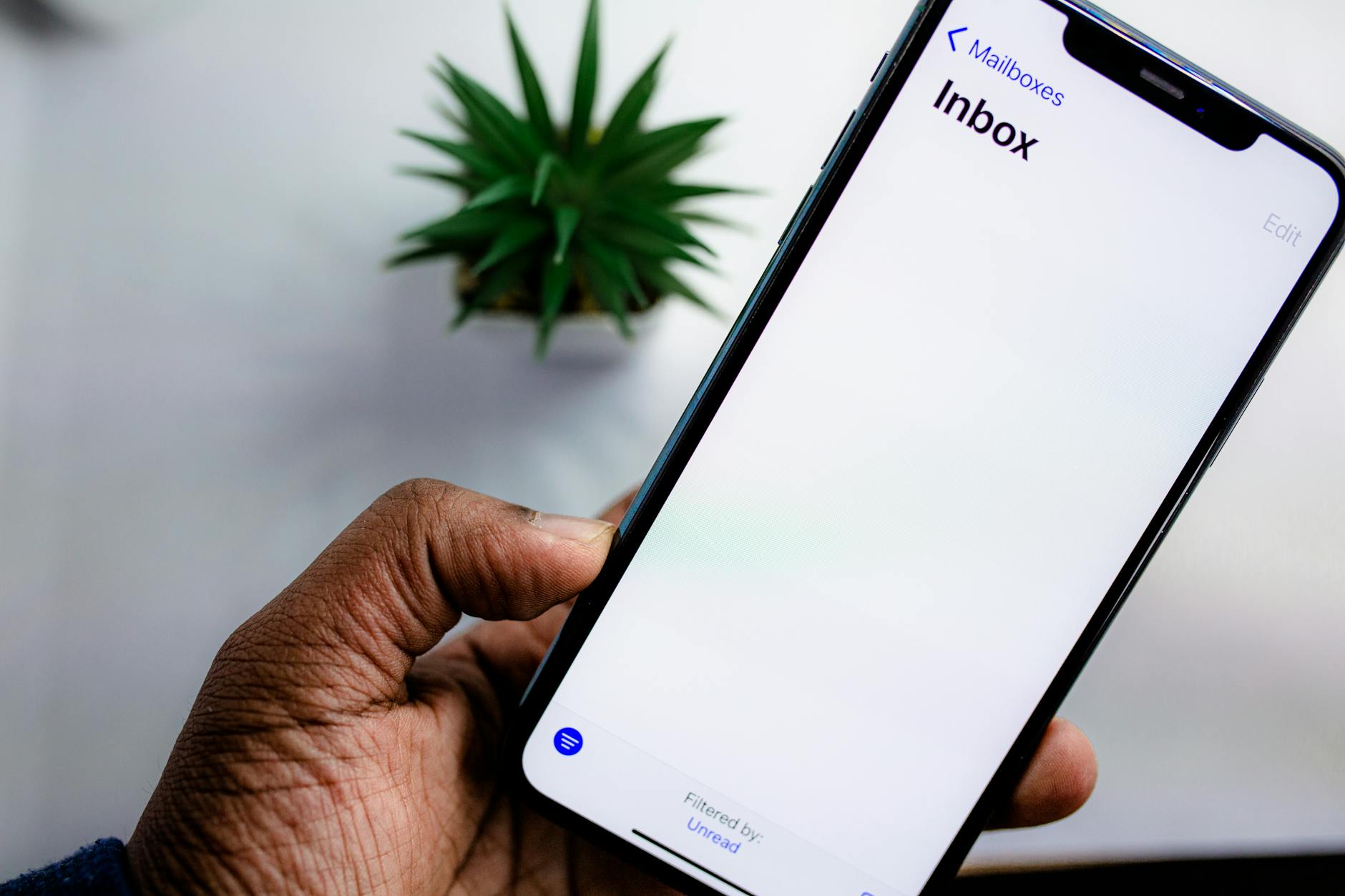
Photo by Solen Feyissa
Gmail and Yahoo started enforcing stricter sender rules in 2024. By late 2025, they moved from “warnings” to real penalties (delays, spam placement, and outright rejection). In 2026, the expectations are steady, and there’s no grace period.
1) Know when you count as a bulk sender
You’re treated as a bulk sender if you send 5,000+ emails in a 24-hour period to personal Gmail or Yahoo addresses. Two beginner gotchas matter here:
- If you hit the threshold once, you can stay flagged, even if volume drops later.
- Subdomains can count toward your main domain’s total, so “mail.yourdomain.com” doesn’t always reset your reputation.
Even if you’re under 5,000, follow the same setup. It’s easier to start clean than fix a damaged domain.
2) Authentication is your foundation: SPF, DKIM, DMARC
At minimum, set up:
- SPF: tells inboxes which servers can send for your domain.
- DKIM: adds a domain-based signature, so providers can verify your email wasn’t altered.
- DMARC: tells providers what to do if SPF/DKIM fail, and checks alignment (the domain should match what you claim).
Beginner tip: start DMARC with a monitoring policy (often “none”) so you can collect reports without blocking mail, then tighten later once you’re confident.
3) Spam complaint rate and unsubscribe rules are strict
Gmail watches spam complaints closely. The hard ceiling is 0.3%, while a safer target is 0.1% or less. If complaints climb, you can get pushed into spam quickly.
Also, marketing emails need an easy one-click unsubscribe, and you must process those requests within 2 days.
For a clear, sender-focused summary of these requirements, see this update on Gmail and Yahoo bulk sender requirements.
How to stop landing in spam: a beginner troubleshooting plan
When deliverability drops, don’t change ten things at once. First, figure out what kind of problem you have: identity, reputation, or content.
This quick table helps you diagnose common issues:
| What you’re seeing | What it usually means | Fastest fix |
|---|---|---|
| Emails missing or going to spam right away | Authentication missing or broken | Re-check SPF/DKIM/DMARC, confirm your “From” domain aligns |
| Deliverability was fine, then suddenly dropped | Complaint spike or bad segment | Pause promos, mail engaged subscribers only, send a helpful “reset” email |
| Lots of “unsubscribe” clicks and low opens | Wrong expectations at opt-in | Rewrite your welcome email, set frequency, deliver what you promised |
| Yahoo ok, Gmail bad (or vice versa) | Provider-specific reputation | Watch complaints and engagement by provider, adjust segments and cadence |
Next, work through these three fixes in order.
Fix 1: Clean up your list, even if it hurts
New affiliates often cling to every subscriber. That’s how complaint rates creep up. Instead, use email list segmentation to organize subscribers by engagement and prioritize people who engaged in the last 30 to 90 days. If someone never opens, continuing to email them only adds risk.
If you used solo ads or giveaways, be extra careful. Those sources can produce weak engagement unless your follow-up is strong and relevant.
Fix 2: Make your first emails “human” again
Inbox filters react to patterns. If your first week is five promotions, you train people to ignore you. Try this simple ratio for beginners: send more help than hype.
A practical “deliverability friendly” email looks like this:
- A clear topic and one main point
- One link, not five
- A plain layout that loads fast on mobile
- A real reply invitation (and you actually respond)
If you want examples of what triggers spam filters across providers, Mailtrap’s guide on how to avoid spam filters is a useful checklist.
Fix 3: Stabilize your sending pattern
Big spikes scare inbox providers. If you’re on a new domain, ramp up gradually. Also, avoid switching “From” names and domains every week. Consistency builds trust.
Finally, check your basics: high bounce rates, lots of inactive addresses, and sloppy targeting all send the same signal: “people don’t want this.”
For a more complete education on the moving parts (reputation, authentication, engagement), Litmus has a thorough email deliverability guide.
FAQs about Gmail and Yahoo spam issues
Why do my emails go to spam even with a good email service provider?
Because inbox placement is decided by Gmail and Yahoo, not your provider. If authentication, complaints, or engagement look bad, they’ll filter you.
Do I need DMARC if I’m a beginner?
Yes. It’s smart to set it up early, even with a monitoring policy, so your domain starts building a clean history.
What’s the easiest way to lower spam complaints?
Mail fewer people, not more. Send to your most engaged subscribers first, keep content relevant, and add a clear unsubscribe link.
If I hit 5,000 emails once, can I go back to “small sender” rules?
You should assume you’ll be evaluated as a bulk sender after you cross that line. Plan your setup and list hygiene as if the stricter rules apply.
Final thoughts
Getting email deliverability right isn’t about tricks. It’s about proof (authentication), trust (low complaints), and respect (easy unsubscribe). When you treat your list like an asset you own, not a button you push, your inbox placement improves over time.
Start with SPF, DKIM, and DMARC, then email your most engaged people this week. Your future commissions depend on being seen, not just sent.
Tip: All the above can take a little while to get sorted. If you need a fast and done-for-you system to start collecting leads, check out this. You will be using the ‘send’ mechanism of the long-established and validated parent company.
Meanwhile follow the above steps, and then download your collected leads and import them into the autopresponder you have set up, using the training and support in the Academy part of the Turnkey system.


